A Beginner's Guide to UK GDPR for Web Developers: Cookies, Consent and Data Requests
October 07, 2026 - Web Development


October 03, 2026 - Cloud

October 02, 2026 - DevOps
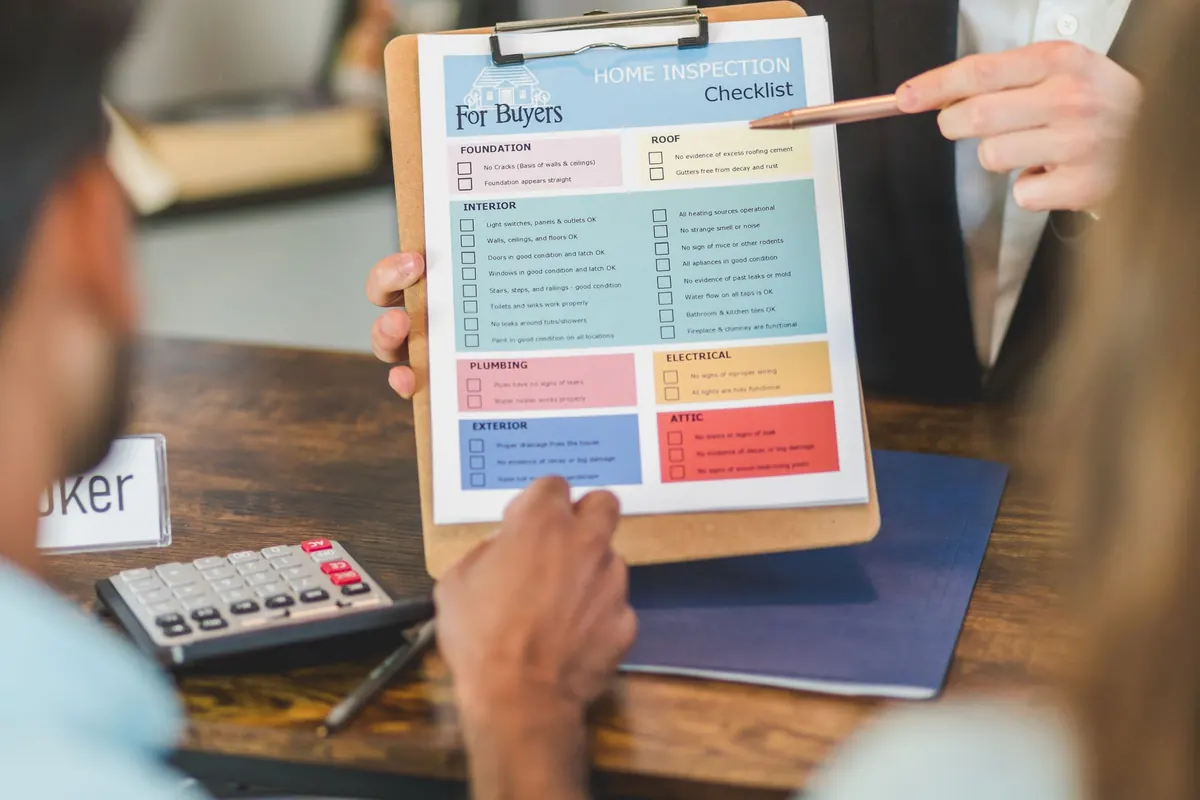
Deploy days have a rhythm. For the first few hours everything is calm: branches merge, tests run, someone makes tea. Then the clock moves towards the release window and the small questions start to pile up. Did we back up the database? Is that API key in production? Who is telling support?
None of those questions is difficult. They are just easy to forget, because they are not the interesting part of the work. A checklist fixes that — not a bureaucratic one nobody reads, but ten points you can run through in fifteen minutes and trust. Here is the version worth keeping in your repository.
Start with the obvious, because it is skipped more often than anyone admits. Does the suite pass on the exact commit you are deploying, on a clean checkout? Green locally means very little if CI was never run or the branch still needs a merge.
Two rules are worth insisting on:
Write down five or six things a person should click after the deploy: sign in, load the dashboard, complete one representative action, submit the contact form, check the homepage on a phone. Keep the list short enough that nobody argues about doing it. Automate what you can, but do not pretend a green pipeline proves the login page works.
A backup nobody has restored is a hope, not a plan.
If the release includes a database migration, decide now whether it can be reversed, and whether the old code would still run against the new schema. Migrations that drop or rename columns are the ones that turn a rollback into a proper incident.
Most "fine on staging, broken in production" bugs are configuration. Compare the two environments variable by variable before you deploy.
Keep a documented list of every variable the app expects. It ages well and settles arguments quickly.
If you cannot explain how to undo this deploy in three sentences, you do not have a rollback plan.
Agree a threshold in advance. If error rates or a key journey look wrong ten minutes after release, roll back and investigate with the pressure off. Rolling forward while users are affected is a decision, not a default.
Deployments fail quietly more often than loudly, so somebody has to be watching.
If you have time for one item only, make it the error tracker. It is usually the shortest path from "something is wrong" to "here is the line of code".
Small teams skip this because everyone sits within earshot. Then a deploy lands in the middle of a sales demo.
Decide in advance who answers customer questions, and give them one sentence they can use.
Run these in order before you press the button:
Then deploy, watch for fifteen minutes, and leave unrelated changes alone until the graphs settle. Afterwards, write down anything that surprised you. The checklist is not sacred: every incident you have lived through should add or sharpen a line. A list edited once a quarter will do more for your team than most tools you could buy this year.
Photo: RDNE Stock project / Pexels

Practical UK GDPR guidance for small websites: how cookie consent really works, what to record, and how to answer...

A practical guide to load testing, caching, payment limits, stock messaging and calm launch freezes so your shop...
Copyright © 2026 Wren Stack. All Right Reserved.